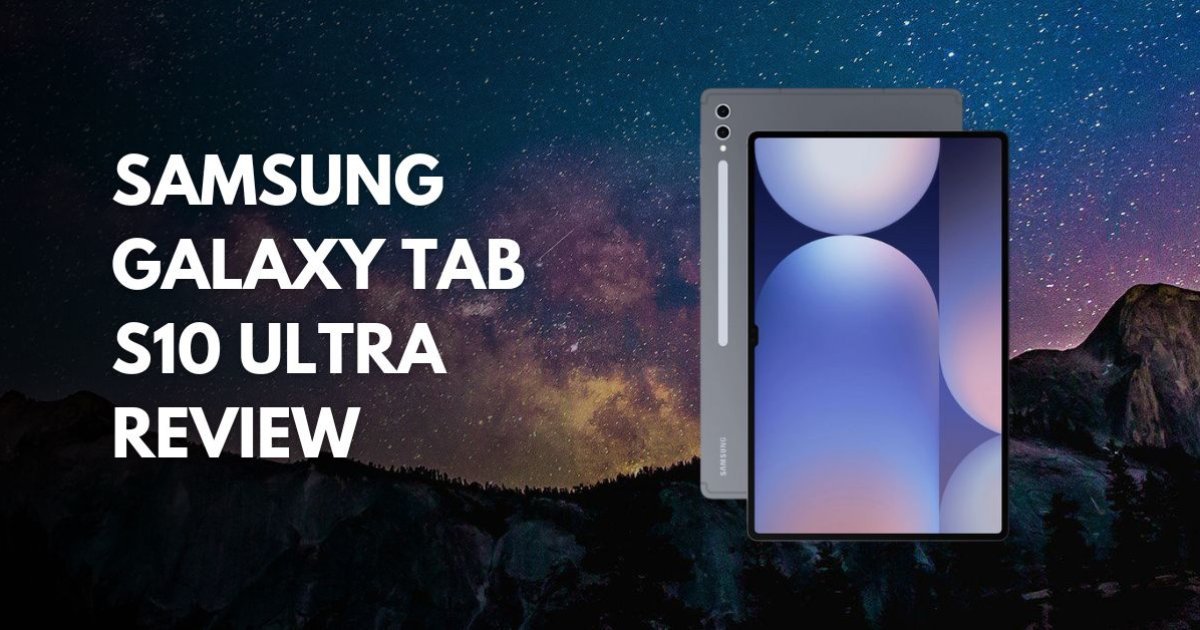
Samsung Galaxy Tab S10 Ultra Review
Samsung Galaxy Tab S10 Ultra Review: The AI-Powered Desktop Replacement
It is January 2026, and the lines between tablets and laptops have never been blurrier. Leading the charge is the Samsung Galaxy Tab S10 Ultra. While Apple’s iPad Pro remains a formidable foe, Samsung has taken a different path, doubling down on massive screen real estate, open multitasking, and a suite of "Galaxy AI" features that actually feel at home on a 14.6-inch canvas.
If you’re looking for a device that can transition from a professional design studio to a high-end gaming rig and then into a full desktop workstation via DeX, the Tab S10 Ultra is the only name in the game. But at over $1,200, is it worth the investment? Here is our long-term 2026 verdict.
1. The Display: A 14.6-Inch Window to the Future
The first thing you notice and the reason you buy this tablet is the 14.6-inch Dynamic AMOLED 2X display. In 2026, where even standard tablets are getting larger, the Ultra still feels massive.
The Upgrade: The biggest improvement over the previous S9 Ultra is the Anti-Reflective coating. Samsung took a page from the Galaxy S24 Ultra and applied a matte-like finish that virtually eliminates glare. Whether you’re working under harsh office lights or outdoors, the screen remains clear and punchy.
- Resolution: 1848 x 2960
- Refresh Rate: 120Hz (Smooth as liquid)
- Brightness: 930 nits (Peak)
2. Performance: The MediaTek Surprise
For the first time in the Ultra series, Samsung ditched Qualcomm for the MediaTek Dimensity 9300+ chipset. Many were skeptical at launch, but still in 2026, the results speak for themselves.
- Multitasking: With 12GB or 16GB of RAM, you can run four apps at once in split-view without a hint of lag.
- Gaming: It handles Zenless Zone Zero and Genshin Impact at 60fps with ease. Because the body is so large, it acts as a massive heat sink, keeping the chip cool during long sessions.
- AI Speed: The NPU (Neural Processing Unit) inside this chip is specifically tuned for Samsung’s AI tools, making photo editing and transcriptions almost instantaneous.
3. Galaxy AI: Optimized for the Big Screen
Small-screen AI is helpful; large-screen AI is transformative. On the Tab S10 Ultra, features like Note Assist allow you to record a lecture or meeting, transcribe it in real-time, and summarize it on one half of the screen while you sketch on the other.
Sketch to Image is another standout in 2026. You can draw a rough doodle with the included S Pen, and the AI will generate a high-fidelity render based on your style. It’s a tool that designers and architects are actually using to quickly storyboard ideas.
A Brief Tangential Thought
Have you tried holding this thing for more than 20 minutes? It’s only 5.4mm thin, which is incredible, but it’s still heavy at 718g. By 2026, we’ve collectively accepted that the "Ultra" isn't really a tablet you hold in bed to read comics; it’s a desk tablet. (Rhetorical question: At what point do we just admit we’ve reinvented the laptop, only without the attached keyboard?) Galaxy Tab S10 Ultra vs Tab S11
The Verdict: Who is this for?
Buy the Tab S10 Ultra if:
- You are a Digital Artist: The S Pen remains the best stylus for drawing, and the screen size is unmatched.
- You want a Laptop Replacement: With Samsung DeX, this is the closest an Android device has ever come to a real computer experience.
- You are a Media Junkie: The quad speakers are loud and rich, and the 16:10 aspect ratio is perfect for movies.
Skip the Tab S10 Ultra if:
- You need Portability: It’s too big for most airplane trays and awkward to use on a bus.
- You are on a Budget: Between the tablet and the keyboard case, you’re looking at nearly $1,500.
- You already have a Tab S9 Ultra: The upgrades (Anti-reflective screen and AI) are great, but the S9 is still incredibly powerful in 2026.